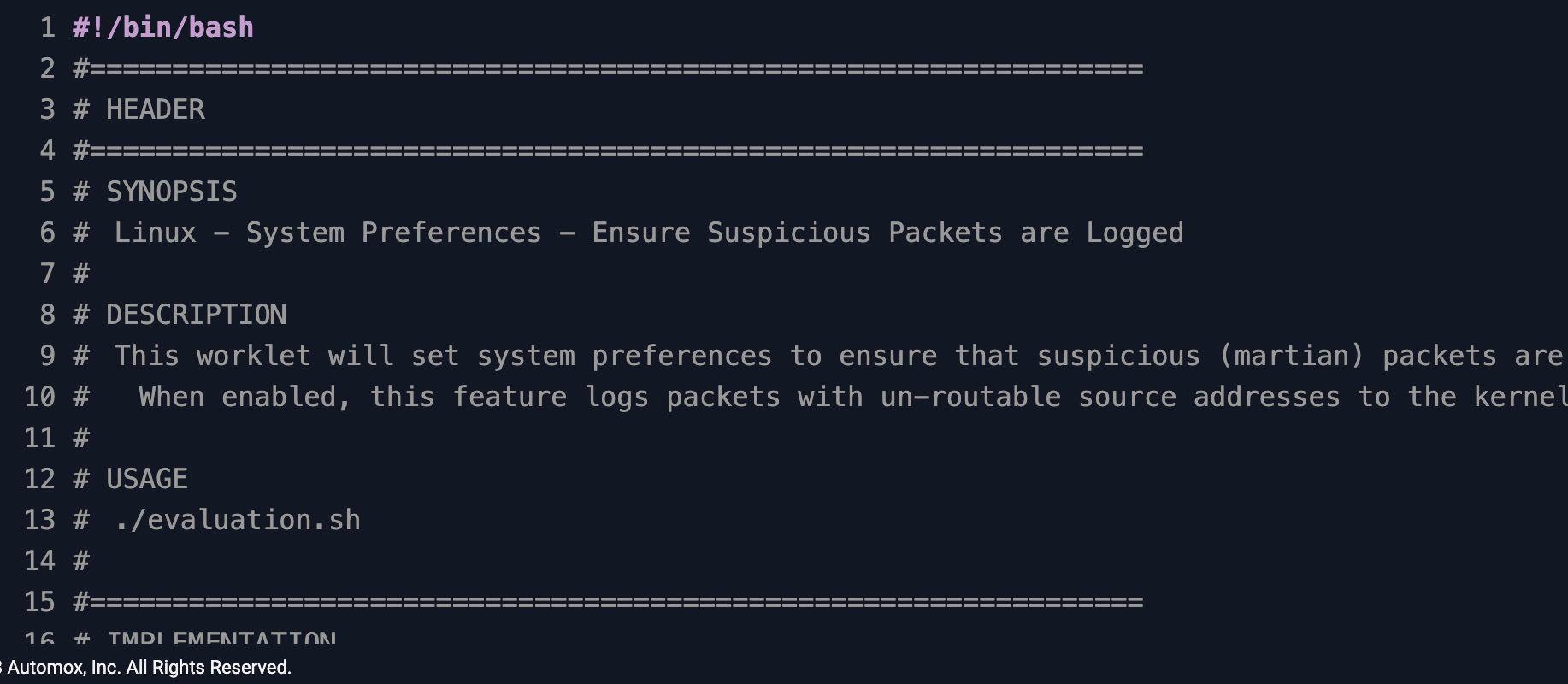
Linux - System Preferences - Ensure Suspicious Packets Are Logged
Enforce kernel martian packet logging on Linux endpoints to align with CIS 3.3.x and detect IP spoofing
Worklet Details
What the martian packet logging Worklet does
This Automox Worklet™ enforces kernel-level logging of martian packets on Linux endpoints. A martian packet is an IP frame with a source address that should never be routable on the receiving interface, such as a private RFC 1918 range arriving on a public link, the 127.0.0.0/8 loopback range on an external NIC, or a multicast or reserved range that has no business on a unicast path. Logging these frames turns each endpoint into a low-cost network sensor and gives your security team a signal that lives below the application layer.
The Worklet operates on two kernel parameters: net.ipv4.conf.all.log_martians and net.ipv4.conf.default.log_martians. The all key flips logging on for every existing interface; the default key inherits the setting onto any interface created later. Both must equal 1 for the endpoint to meet the CIS 3.3.x control family for suspicious packet logging.
Persistence is the second half of the job. When no martian logging entry already exists under /etc/sysctl.d/, the Worklet writes /etc/sysctl.d/automox_martian_logging.conf so the kernel re-applies both keys on every boot. It then runs sysctl -w against the live kernel and flushes the routing cache with sysctl -w net.ipv4.route.flush=1 so the change takes effect without a reboot.
The script is non-destructive. The remediation script checks whether any existing /etc/sysctl.d/ file already references martian logging. If one exists, the Worklet skips writing the drop-in but still applies both keys to the running kernel with sysctl -w and flushes the routing cache to bring the runtime state into compliance.
Why enforce kernel martian logging
Martian packets are one of the cleanest indicators that something on the wire is wrong. Source addresses from RFC 1918 ranges, the loopback block, link-local 169.254.0.0/16, TEST-NET 192.0.2.0/24, multicast 224.0.0.0/4, or the reserved 240.0.0.0/4 should never reach a routed interface. When they do, the cause is almost always one of three things: a misconfigured upstream route, an IP spoofing or source-route attack, or a compromised host inside your perimeter using forged addresses for reconnaissance or amplification. With log_martians=1, the kernel emits a record to /var/log/kern.log (or the journal) every time it drops one of these frames, which gives your SIEM something concrete to correlate against. The CIS Benchmarks for RHEL, Ubuntu, and Debian call this out explicitly in their 3.3.x network parameter family, and so does NIST 800-53 SI-4 (System Monitoring).
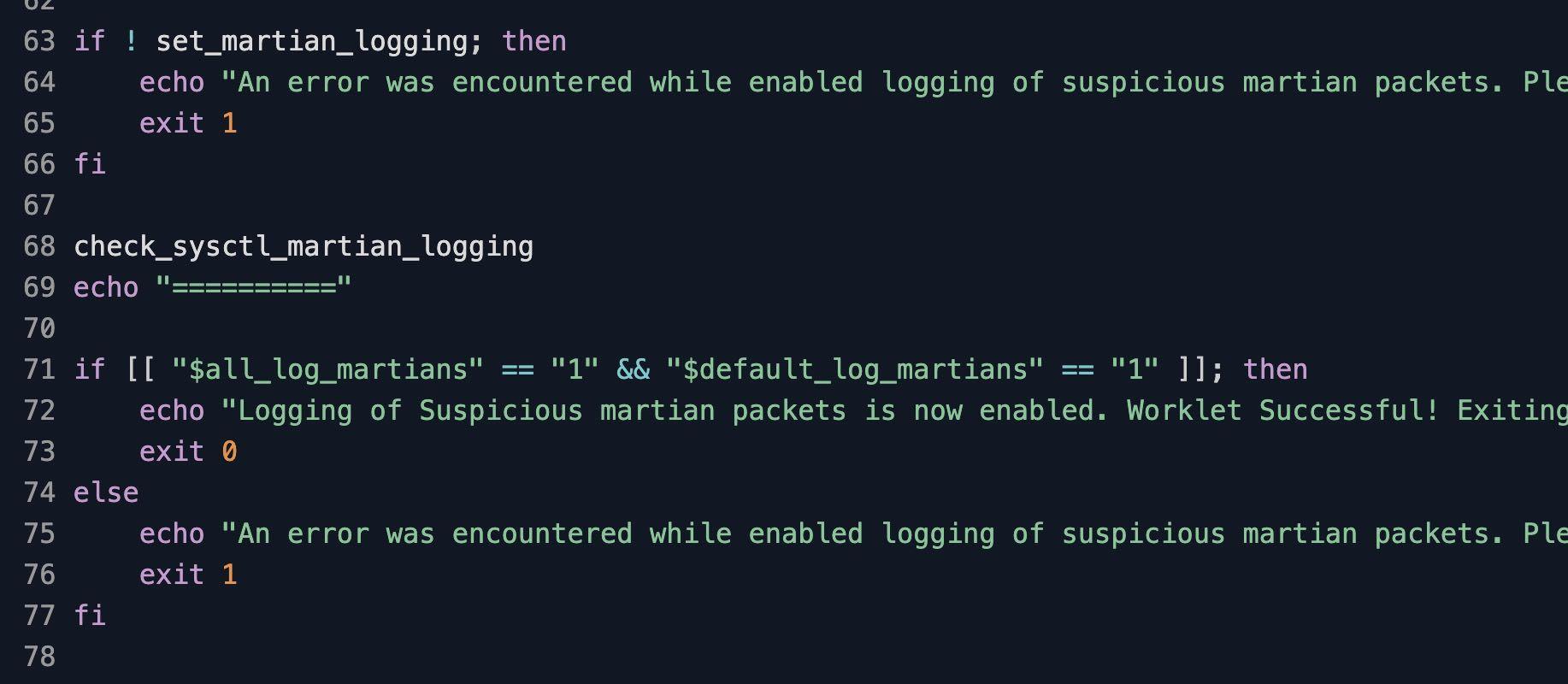
The net.ipv4.conf.all.log_martians and net.ipv4.conf.default.log_martians sysctl values are easy to lose. A developer rebuilds an image without the /etc/sysctl.d drop-in, a configuration management module is pinned to an older version that lacks the parameter, or a hardening playbook covers only part of the host fleet. The Worklet reads both keys via sysctl on every evaluation pass and exits 0 immediately when both equal 1. When either has drifted, it applies the values to the running kernel with sysctl -w and, if no martian logging file already exists under /etc/sysctl.d/, writes the drop-in to persist the setting across reboots.
How martian packet logging enforcement works
Evaluation phase: The Worklet reads the live runtime values with
sysctl -n net.ipv4.conf.all.log_martiansandsysctl -n net.ipv4.conf.default.log_martians. If both return 1, the endpoint is compliant and the script exits 0. If either returns 0, the Worklet flags the endpoint non-compliant and triggers remediation. The check is intentionally cheap so it can run on a tight policy interval without measurable load.Remediation phase: The remediation script writes
/etc/sysctl.d/automox_martian_logging.confcontainingnet.ipv4.conf.all.log_martians = 1andnet.ipv4.conf.default.log_martians = 1. It applies both keys to the running kernel withsysctl -w, flushes the routing cache withsysctl -w net.ipv4.route.flush=1, and re-reads the values to confirm. On distributions that ship a populated/etc/sysctl.conf, the Worklet also runssysctl -pto reload the file. The script exits 0 on success or non-zero with a stderr message if the keys cannot be set, surfacing the failure in Automox activity logs.
Kernel logging policy requirements
Linux endpoint running RHEL, CentOS, Rocky, Alma, Fedora, Debian, or Ubuntu with sysctl and a systemd init
Root or sudo privileges for the Automox agent (the default agent context already meets this)
Write access to
/etc/sysctl.d/on the target endpointIPv4 stack enabled on the endpoint; IPv6-only hosts skip this control (the kernel exposes a separate log_martians key under net.ipv6.conf when applicable)
A reachable kernel log target: rsyslog/journald writing to
/var/log/kern.logor shipping the journal to your SIEMAutomox Agent version 1.42.22 or later
Expected kernel state after enforcement
After a successful run, sysctl net.ipv4.conf.all.log_martians net.ipv4.conf.default.log_martians returns 1 for both keys, and cat /etc/sysctl.d/automox_martian_logging.conf shows the two key/value pairs that hold the setting across reboot. Subsequent evaluation passes report the endpoint as compliant without re-running remediation, because the kernel state already matches the baseline.
When the endpoint receives an actual martian packet, the kernel emits a line containing martian source or IPv4: martian with the offending source address, the receiving interface, and the destination. Run dmesg | grep -i martian or journalctl -k --grep='martian' to view the recent entries on the endpoint. In a centralized logging pipeline, the same records arrive in syslog, the ELK stack, or Splunk under the kernel facility and can be alerted on directly.
For audit evidence aligned to CIS 3.3.x, capture three artifacts per endpoint: the contents of /etc/sysctl.d/automox_martian_logging.conf, the live output of sysctl -a 2>/dev/null | grep log_martians, and the Automox policy run identifier from the Activity Log. Together they document the configured state, the running state, and the timestamp of enforcement. The evaluation phase only reads sysctl values, so the policy can sit on a daily or hourly cadence and only produces remediation noise on the runs that actually rewrite the drop-in file.
Loading...
Consider Worklets your easy button
What's a Worklet?
A Worklet is an automation script, written in Bash or PowerShell, designed for seamless execution on endpoints – at scale – within the Automox platform. Worklets deploy named-CVE mitigations within hours of disclosure, perform configuration, remediation, and install or remove applications and settings across Windows, macOS, and Linux.

AUTOMOX + WORKLETS™
Supercharge your endpoint management
Uncover new possibilities with simple, powerful automation.
By submitting this form you agree to our Master Services Agreement and Privacy Policy