macOS - Configuration - Start Rapid7 Insight Agent Service
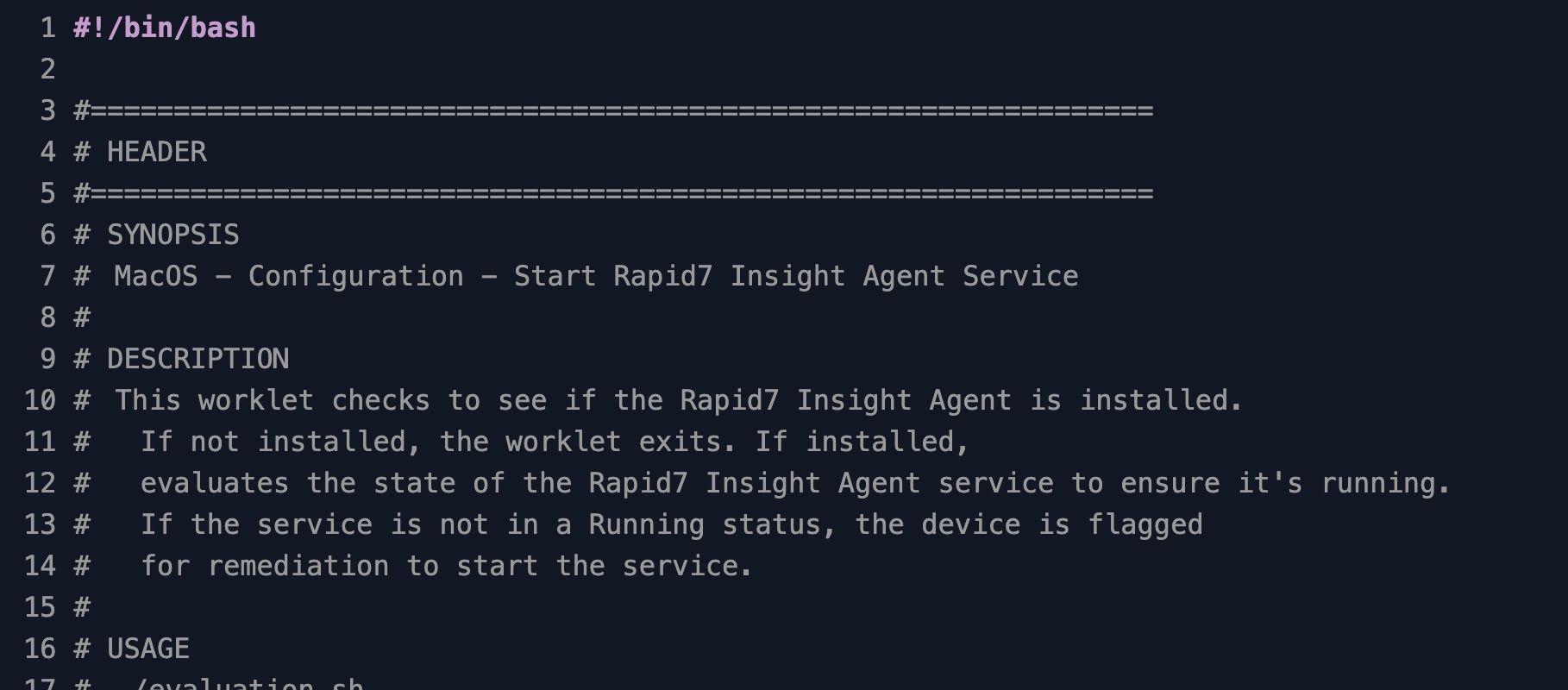
Detects and restarts a stopped Rapid7 Insight Agent service on macOS endpoints to keep vulnerability scanning continuous
Worklet Details
What the Rapid7 Insight Agent service starter does on macOS
This Automox Worklet™ keeps the Rapid7 Insight Agent service running on macOS endpoints. The Worklet inspects the LaunchDaemon registry for com.rapid7.ir_agent, confirms the ir_agent process is alive, and triggers a restart through launchctl when the daemon is registered but not running. The evaluation phase is read-only, so endpoints that already have a healthy agent finish in milliseconds.
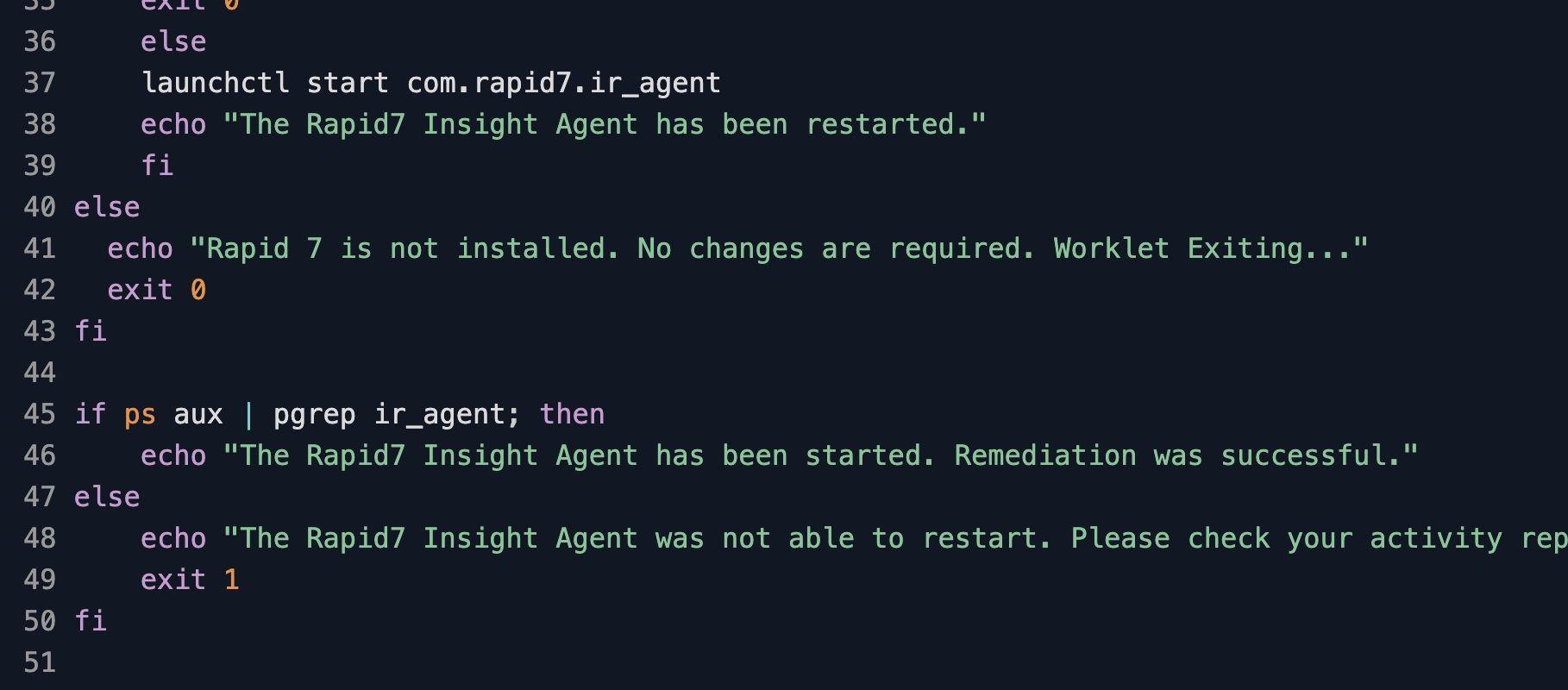
The Rapid7 Insight Agent on macOS installs into /opt/rapid7/ir_agent/ and registers a system LaunchDaemon at /Library/LaunchDaemons/com.rapid7.ir_agent.plist. The remediation script calls launchctl start com.rapid7.ir_agent against that label, then re-checks the process list with pgrep ir_agent before exiting. A restart that fails returns a non-zero exit code, which surfaces in the Automox activity report instead of being silently swallowed.
Endpoints where Rapid7 is not installed exit cleanly with no changes. That means the policy can sit on a daily cadence alongside the Rapid7 install Worklet, since the absence of the agent is treated as out-of-scope rather than a remediation failure on hosts that legitimately have not yet been onboarded to InsightVM.
Why keep the Rapid7 Insight Agent service running
A stopped Insight Agent is an unmonitored endpoint. When com.rapid7.ir_agent is not running, the host stops sending vulnerability and policy telemetry to the Rapid7 Insight platform. Scans miss new CVEs, compliance status freezes at the last successful check-in, and InsightVM dashboards report stale data that masks the real exposure on that endpoint. The agent will not self-heal if the LaunchDaemon was stopped manually or terminated by another security tool, and there is no built-in macOS mechanism to restart it automatically.
The Worklet evaluates the LaunchDaemon state on every agent check-in and calls launchctl start com.rapid7.ir_agent when the daemon is registered but the process is not running. Running the Worklet on a daily schedule keeps the restart gap - the time between the agent stopping and someone noticing - close to zero across the entire Mac fleet.
How Rapid7 service enforcement works on macOS
Evaluation phase: The evaluation script pipes
launchctl listthroughgrep com.rapid7.ir_agentto check whether the LaunchDaemon is registered. If the label is missing, the endpoint is reported as out-of-scope and the script exits 0 with no remediation queued. If the label is registered, the script runspgrep ir_agentto confirm the process is alive. A running process exits 0; a registered-but-stopped daemon exits 1 and flags the endpoint for remediation.Remediation phase: The remediation script re-validates the daemon registration, then runs
launchctl start com.rapid7.ir_agentagainst the LaunchDaemon label. After the start command, it re-runspgrep ir_agentto confirm the process attached. Exit 0 is a successful restart; exit 1 indicates launchctl returned but the process never came up, which usually points to a corrupt agent install, a missing plist, or another security tool blocking the daemon. The non-zero exit pushes the endpoint into the Automox failed-policy queue for review.
Rapid7 service enforcement requirements
macOS 10.13 (High Sierra) or later with the Automox agent installed and reporting
Rapid7 Insight Agent installed at /opt/rapid7/ir_agent/ with the system LaunchDaemon /Library/LaunchDaemons/com.rapid7.ir_agent.plist present
Automox agent running as root, which is the default privilege context for the Mac agent and is required for launchctl bootstrap and start operations against a system LaunchDaemon
Network reachability from the endpoint to the configured Rapid7 Insight platform region (US, EU, AP) so the restarted agent can re-establish its session after launchctl brings it up
RunNow-compatible: trigger an on-demand evaluation and remediation from the Automox console when an admin needs to recover a single Mac without waiting for the scheduled policy run
No parameters to configure on this Worklet; the LaunchDaemon label com.rapid7.ir_agent is the fixed Rapid7 identifier and the script targets it directly
Expected Rapid7 service state after the Worklet runs
After a successful remediation, launchctl list | grep com.rapid7.ir_agent returns a PID in the first column, and pgrep ir_agent emits the same PID. The agent re-establishes its connection to the Rapid7 Insight platform and resumes sending vulnerability telemetry. Subsequent Automox policy runs evaluate the endpoint as compliant and skip remediation, because the evaluation script finds the daemon registered and the process running.
If the remediation phase exits 1 repeatedly on the same endpoint, the agent install is likely corrupt. Run the matching uninstall Worklet, redeploy with the install Worklet, and let this Worklet take over enforcement on the next policy cycle.
Pair this Worklet with the Rapid7 install Worklet for full lifecycle coverage: install handles the initial agent deployment on new Macs, this Worklet keeps the daemon running on every endpoint thereafter. Together they convert agent uptime from a periodic audit question into a baseline the next policy run enforces automatically.
Loading...
Consider Worklets your easy button
What's a Worklet?
A Worklet is an automation script, written in Bash or PowerShell, designed for seamless execution on endpoints – at scale – within the Automox platform. Worklets deploy named-CVE mitigations within hours of disclosure, perform configuration, remediation, and install or remove applications and settings across Windows, macOS, and Linux.

AUTOMOX + WORKLETS™
Supercharge your endpoint management
Uncover new possibilities with simple, powerful automation.
By submitting this form you agree to our Master Services Agreement and Privacy Policy