macOS - Software - Download Ventura Installer
Cache the macOS Ventura installer to /Applications on Mac endpoints before scheduling the OS upgrade window
Worklet Details
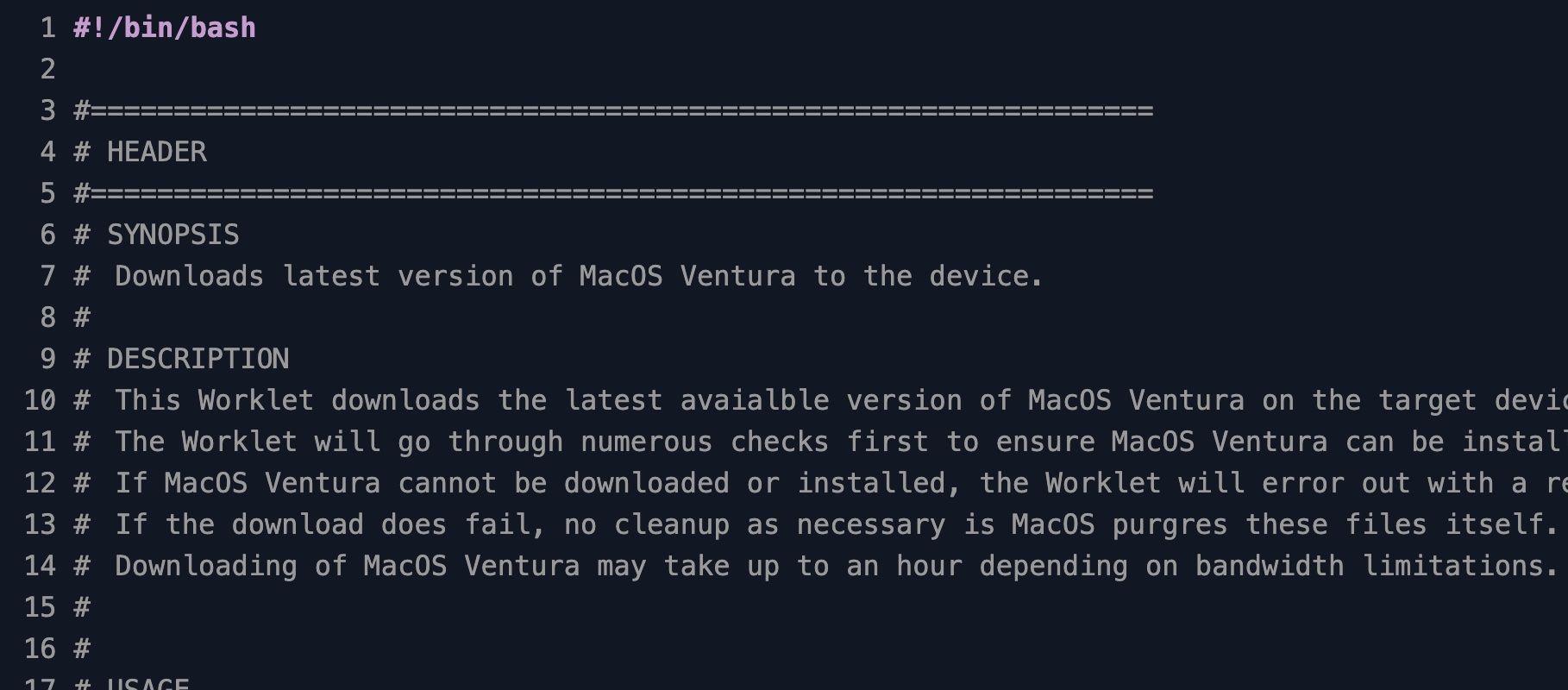
What the Ventura installer pre-stage Worklet does
This Automox Worklet™ caches the latest macOS Ventura (13) full installer to /Applications on Mac endpoints, so the long download is finished before you ever open an upgrade maintenance window. The Worklet calls Apple's softwareupdate --list-full-installers to find the most recent Ventura build, validates that the endpoint can host it, then runs softwareupdate --fetch-full-installer --full-installer-version against that build to produce /Applications/Install macOS Ventura.app. The result is a fleet of endpoints that already hold the 12 GB payload Apple normally streams during the upgrade itself.
The evaluation phase is idempotent. The Worklet exits 0 with no action when the endpoint already runs Ventura (Darwin 22), when it runs a newer release such as Sonoma or Sequoia (Darwin 23+), or when /Applications/Install macOS Ventura.app already exists. It also exits 0 on macOS Mojave (Darwin 18) or older, because Apple gates the softwareupdate --fetch-full-installer flag to Catalina (Darwin 19) and later. Endpoints that pass all gates and lack the installer are flagged for remediation.
Remediation reads the running architecture from uname -m. On Apple Silicon (arm64), the Worklet still downloads the installer, but logs that the subsequent install step typically requires user interaction because Apple's startosinstall flow on M-series Macs prompts for an admin password. The download itself remains automated and works on both Intel and Apple Silicon hardware.
Why pre-stage Ventura before the upgrade window
The macOS Ventura full installer is roughly 12 GB. Pulling that payload at the start of every upgrade window puts the slowest endpoint on the slowest network in front of the entire maintenance schedule. A laptop on a hotel Wi-Fi can take an hour just to finish the download before the upgrade even begins. Pre-staging the installer ahead of the window means the actual upgrade reduces to running the installer that is already on disk, which compresses the user-visible downtime from hours to roughly 30 to 45 minutes. Pairing this Worklet with a follow-up upgrade Worklet that calls startosinstall --agreetolicense gives you a two-stage rollout: download on any schedule that fits the network, then upgrade during a quiet window.
Targeting Ventura specifically rather than the latest macOS keeps Macs on a release that Apple still patches while preserving compatibility for hardware and applications not yet validated against Sonoma or Sequoia. Scheduling this Worklet across a week of off-peak evaluation windows pre-stages the installer to every targeted Mac before the upgrade policy ever runs, which is the same pattern that works for any phased macOS rollout: pre-stage on the slow path, install on the fast path.
How the Ventura installer pre-stage works
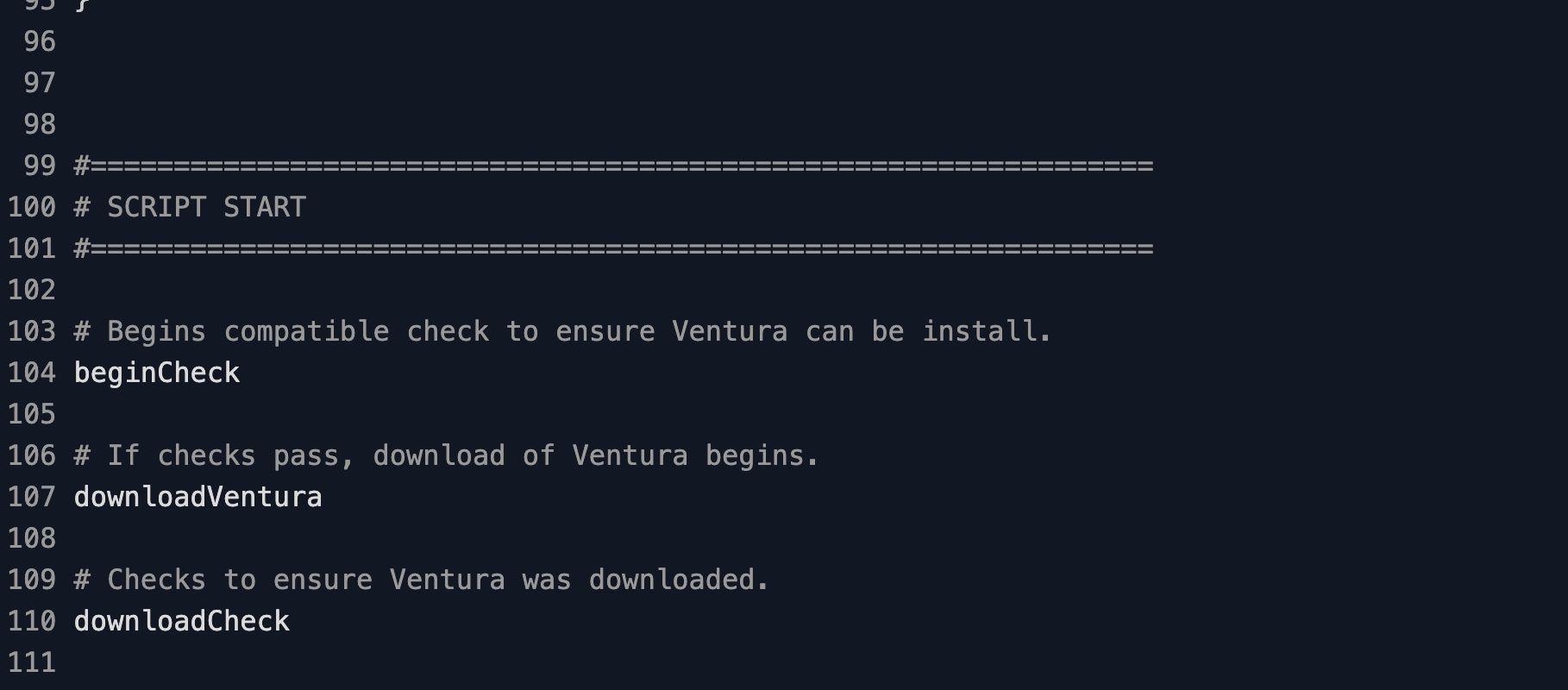
Evaluation phase: The Worklet reads CurrentDarwin from uname -r and short-circuits in four cases: Darwin equals 22 (already on Ventura), Darwin is greater than 22 (on Sonoma or later, where installing Ventura would not work), Darwin is less than 19 (below Catalina, which cannot cache full installers), or /Applications/Install macOS Ventura.app already exists on disk. Any of those conditions exits 0 with no action. An endpoint that survives all four checks exits 1 and is queued for remediation.
Remediation phase: The script re-runs the Catalina, Ventura, and post-Ventura gates as a safety net, then checks remDiskSpace from df -h / and exits non-zero if less than 20 GB is free. It runs LatestBuild=$(softwareupdate --list-full-installers | grep "Title: macOS Ventura, Version: " | head -n 1 | awk '{print $6}' | sed 's/,//g') to capture the newest Ventura point release Apple still publishes, then runs softwareupdate --fetch-full-installer --full-installer-version "${LatestBuild}" to pull the installer. After the download, the script confirms /Applications/Install macOS Ventura.app exists and exits 0 on success or 1 with a stderr message if the bundle is missing.
Ventura pre-stage requirements
Mac endpoint running macOS Catalina (10.15 / Darwin 19) through Monterey (12.x / Darwin 21); Apple Silicon and Intel are both supported
Mac hardware on Apple's Ventura compatibility list: MacBook (2017 and later), MacBook Air (2018 and later), MacBook Pro (2017 and later), Mac mini (2018 and later), iMac (2017 and later), iMac Pro (2017), Mac Pro (2019 and later), Mac Studio (all)
At least 20 GB of free disk space on / (the script checks df -h and exits 1 below the threshold)
Network reachability from the endpoint to swcdn.apple.com and swdist.apple.com for softwareupdate calls
Extended Worklet timeout in the Automox policy; the download can take 30 to 60 minutes on typical office bandwidth and longer on remote endpoints
Automox agent runs as root, which is the default agent context on macOS
Expected state after the Ventura pre-stage
After successful remediation, /Applications/Install macOS Ventura.app is present on the endpoint and ready for a follow-up upgrade Worklet to call startosinstall. End users see no prompts or UI during the download phase, because softwareupdate --fetch-full-installer streams the payload silently in the background. The next evaluation run on the same endpoint exits 0 (no action) because the application bundle is already on disk, so the policy is safe to leave on a recurring schedule across the fleet.
Validate the cache from the endpoint with ls -ld "/Applications/Install macOS Ventura.app" and confirm the bundle reports the expected version with /Applications/Install\ macOS\ Ventura.app/Contents/Resources/startosinstall --usage (the usage banner prints the Ventura version it targets). Inspect the exact build that was cached by running plutil -p "/Applications/Install macOS Ventura.app/Contents/Info.plist" | grep -E "CFBundleShortVersionString|DTPlatformVersion". If the download fails partway, macOS removes the partial installer automatically, so the next policy run starts cleanly with no manual cleanup. Common non-zero exits map to: 1 with a Catalina message (Darwin under 19), 1 with a disk-space message (less than 20 GB free), or 1 with a network/EOL message from softwareupdate when Apple stops publishing the version. Pair this Worklet with a downstream upgrade Worklet that calls startosinstall --agreetolicense --nointeraction (Intel) or that schedules a user-interactive upgrade window (Apple Silicon) to close the loop from staged installer to running Ventura.
Loading...
Consider Worklets your easy button
What's a Worklet?
A Worklet is an automation script, written in Bash or PowerShell, designed for seamless execution on endpoints – at scale – within the Automox platform. Worklets deploy named-CVE mitigations within hours of disclosure, perform configuration, remediation, and install or remove applications and settings across Windows, macOS, and Linux.

AUTOMOX + WORKLETS™
Supercharge your endpoint management
Uncover new possibilities with simple, powerful automation.
By submitting this form you agree to our Master Services Agreement and Privacy Policy