Windows - Software - Install SysInternals Sysmon
Deploy Sysinternals Sysmon to Windows endpoints with optional XML config and automatic version upkeep
Worklet Details
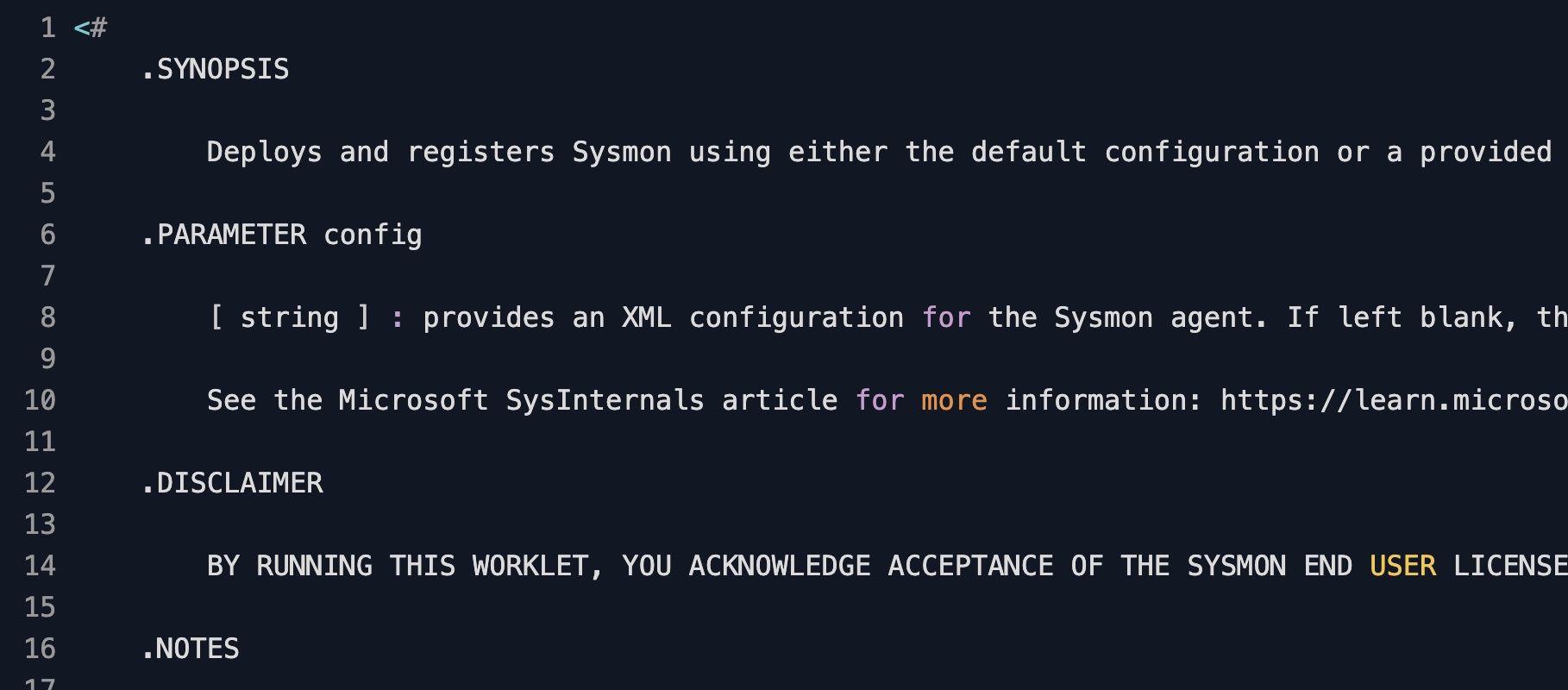
What the Sysinternals Sysmon deployment does
This Automox Worklet™ deploys Sysinternals Sysmon to Windows endpoints and keeps the on-disk binary aligned with the current Microsoft release. Sysmon is a system service and kernel-mode driver that writes high-fidelity telemetry to the Microsoft-Windows-Sysmon/Operational channel, including process creation with command line and parent process, network connections by image and user, file creation timestamp changes, image loads, driver loads, and named pipe activity.
The Worklet installs to a fixed path of Program Files\SysInternals\Sysmon, selects Sysmon64.exe on 64-bit Windows and Sysmon.exe on 32-bit Windows, accepts the Sysinternals EULA non-interactively, and applies an optional XML configuration that you pass through the $config Worklet variable. When a configuration is supplied, the Worklet writes it to Program Files\SysInternals\Sysmon\config.xml and registers the agent with arguments -i -accepteula -c <config path>. When the $config variable is empty, it registers with -i -accepteula and uses the Sysmon default ruleset.
Subsequent runs compare the on-disk binary's creation time against the Published date scraped from the Microsoft Learn Sysmon download page (https://learn.microsoft.com/en-us/sysinternals/downloads/sysmon). When Microsoft publishes a newer build, the Worklet terminates any running Sysmon process, deregisters with the -u force flag, fetches Sysmon.zip from download.sysinternals.com, extracts the new binaries to Program Files\SysInternals\Sysmon, and re-registers the service. The install path remains constant across upgrades so existing SIEM forwarders and Windows Event Forwarding subscriptions continue without reconfiguration.
Why standardize Sysmon telemetry across the fleet
Built-in Windows event logging does not record several fields that modern detections rely on. Sysmon adds those fields: Event ID 1 captures process creation with command line and parent image. Event ID 3 captures network connections by source image and destination. Event ID 7 records image loads for DLL side-loading detection. Event ID 11 records file create operations. Event ID 22 records DNS queries. Public Sigma rules, vendor threat-hunting content, and most EDR detection playbooks assume those Sysmon events are present on every endpoint. A fleet running mixed Sysmon versions, or no Sysmon at all on a subset of hosts, produces detection coverage gaps that surface during an incident.
A Sysmon binary can be uninstalled by an administrator, missed during onboarding, or knocked out by a service crash that nothing in the user session surfaces. The Worklet evaluation runs Get-Process to confirm a Sysmon process is alive and scrapes the published release date to detect drift from the current Microsoft build. Remediation reinstalls or upgrades against the configured XML so a SIEM blind spot never opens between scheduled runs. The $config payload remains the source of truth, and every policy run re-registers the agent against it across every Windows endpoint in scope.
How Sysmon deployment and version pinning works
Evaluation phase: The Worklet tests for the Sysmon binary at Program Files\SysInternals\Sysmon\Sysmon.exe. When the binary is present, it reads the file's CreationTime, normalizes it to a date, and compares it against the Published date parsed from the Microsoft Learn Sysmon download page. Any of three conditions triggers remediation: the binary is missing, the on-disk build is older than the published release, or no process matching Sysmon is currently running.
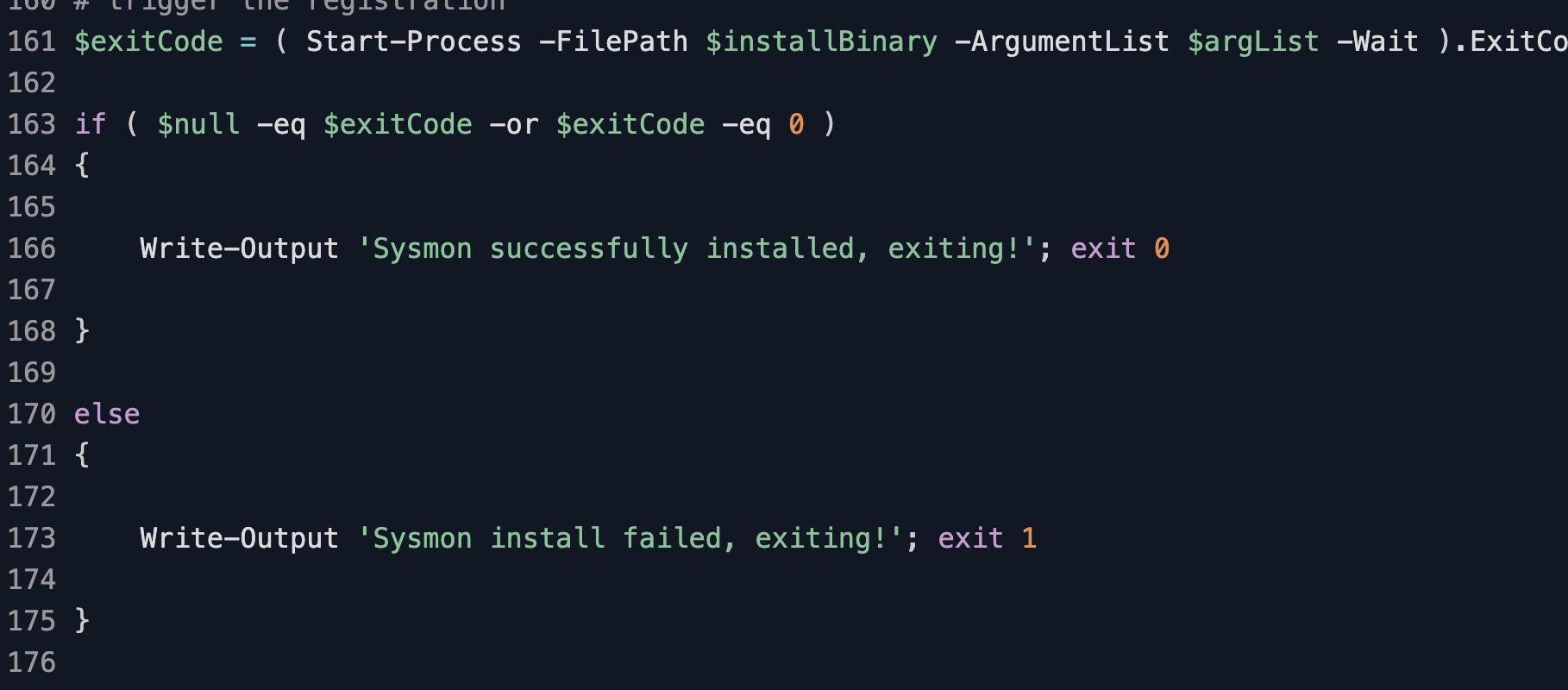
Remediation phase: The Worklet stops any Sysmon process with Stop-Process -Force, runs the existing binary with -u force to deregister it cleanly, downloads Sysmon.zip from download.sysinternals.com using Invoke-WebRequest, and expands the archive to Program Files\SysInternals\Sysmon. When the $config Worklet variable holds content, the Worklet writes it to config.xml at the install dir and registers with -i -accepteula -c <config path>. When $config is empty, it registers with -i -accepteula. A non-zero ExitCode from the Sysmon binary surfaces the failure back to the Automox console.
Sysmon deployment requirements
Windows 10, Windows 11, or Windows Server 2016 and later on the target endpoint
Outbound HTTPS to download.sysinternals.com for the Sysmon.zip download and to learn.microsoft.com for the release-date lookup
Administrative privileges on the endpoint, required to register the Sysmon kernel driver and Windows service
Roughly 5 MB of free space in Program Files\SysInternals\Sysmon for the binaries, the optional config.xml, and the driver image
Optional $config Worklet variable containing a full Sysmon XML configuration body, for example a SwiftOnSecurity sysmon-config or Olaf Hartong sysmon-modular build
Expected Sysmon state after deployment
After successful remediation, the Sysmon service runs and its kernel driver is loaded. The Sysmon binary, the optional config.xml, and the driver image reside in Program Files\SysInternals\Sysmon. Event records begin landing in the Microsoft-Windows-Sysmon/Operational channel under Applications and Services Logs in Event Viewer, and downstream SIEM or Windows Event Forwarding collectors begin receiving the configured event IDs.
Verify on the endpoint with Get-Service Sysmon64 (or Get-Service Sysmon on 32-bit hosts) to confirm Status is Running, then run Sysmon64.exe -c to print the active configuration hash and rule count. For a fast event sanity check, query the log directly with Get-WinEvent -LogName Microsoft-Windows-Sysmon/Operational -MaxEvents 5 and confirm recent Event ID 1 process creation records are flowing. Subsequent Worklet runs hold the version steady and re-register the agent if anything stops it between cycles.
Loading...
Consider Worklets your easy button
What's a Worklet?
A Worklet is an automation script, written in Bash or PowerShell, designed for seamless execution on endpoints – at scale – within the Automox platform. Worklets deploy named-CVE mitigations within hours of disclosure, perform configuration, remediation, and install or remove applications and settings across Windows, macOS, and Linux.

AUTOMOX + WORKLETS™
Supercharge your endpoint management
Uncover new possibilities with simple, powerful automation.
By submitting this form you agree to our Master Services Agreement and Privacy Policy